Automate the repetitive stuff
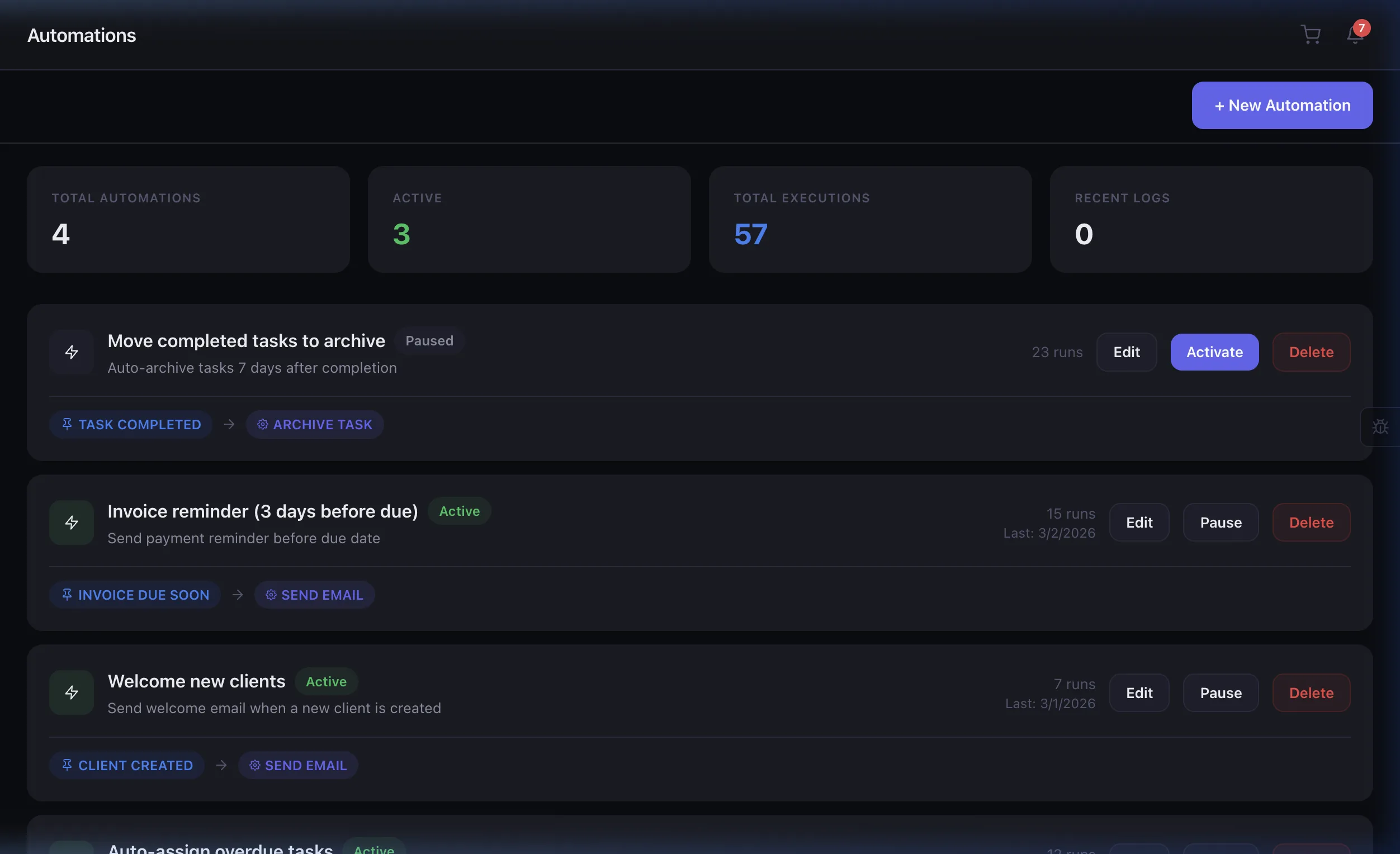
Build powerful workflow automations with triggers, conditions, and actions. No code required — just set it and forget it.
Loved by agencies
"We set up overdue invoice reminders and task auto-assignment in 10 minutes. Haven't touched them since — they just work."
Built for teams like yours
Operations Leads
Auto-assign tasks, trigger alerts, and keep your team on autopilot.
Agency Owners
Eliminate process bottlenecks without hiring more operations staff.
Technical Teams
Webhook triggers and API actions for custom integration workflows.
Growing Teams
Start with templates, then customize as your processes mature.
Frequently asked questions
Not at all. The trigger-condition-action builder is fully visual. Select a trigger event, add optional conditions, then pick your actions — no code, no formulas, no scripting required.
Over 10 trigger types including: task created, task status changed, invoice overdue, client created, project budget exceeded, team member assigned, and custom field updated.
The Free plan includes 3 automations. Pro allows up to 20, and Enterprise offers unlimited automations with priority execution and advanced conditions.
Yes. Every automation run is logged with timestamps, trigger details, and action outcomes. The execution log shows success/failure rates and lets you debug any issues.
Related features
Automate anything in 3 steps
Pick a Trigger
Choose from 10+ event types — task created, invoice overdue, client added, status changed, and more. Every important event in your agency can kick off an automation.
Set Conditions
Add optional filters with AND/OR logic. Only fire when the project budget exceeds $10K, or when a task is assigned to a specific team — you control the rules.
Choose Actions
Assign tasks, send branded emails, update statuses, create notifications, or trigger webhooks. Chain multiple actions in a single automation for complex workflows.
Let automations do the heavy lifting
Focus on strategy while Eidoncore handles the repetitive work. 14-day free trial.