
Asset Vaults, Versioning & Client Deliverable Sharing
Keep all project assets, design files, contracts, and brand kits organized in one secure cloud repository. Share files with clients securely with password protection.
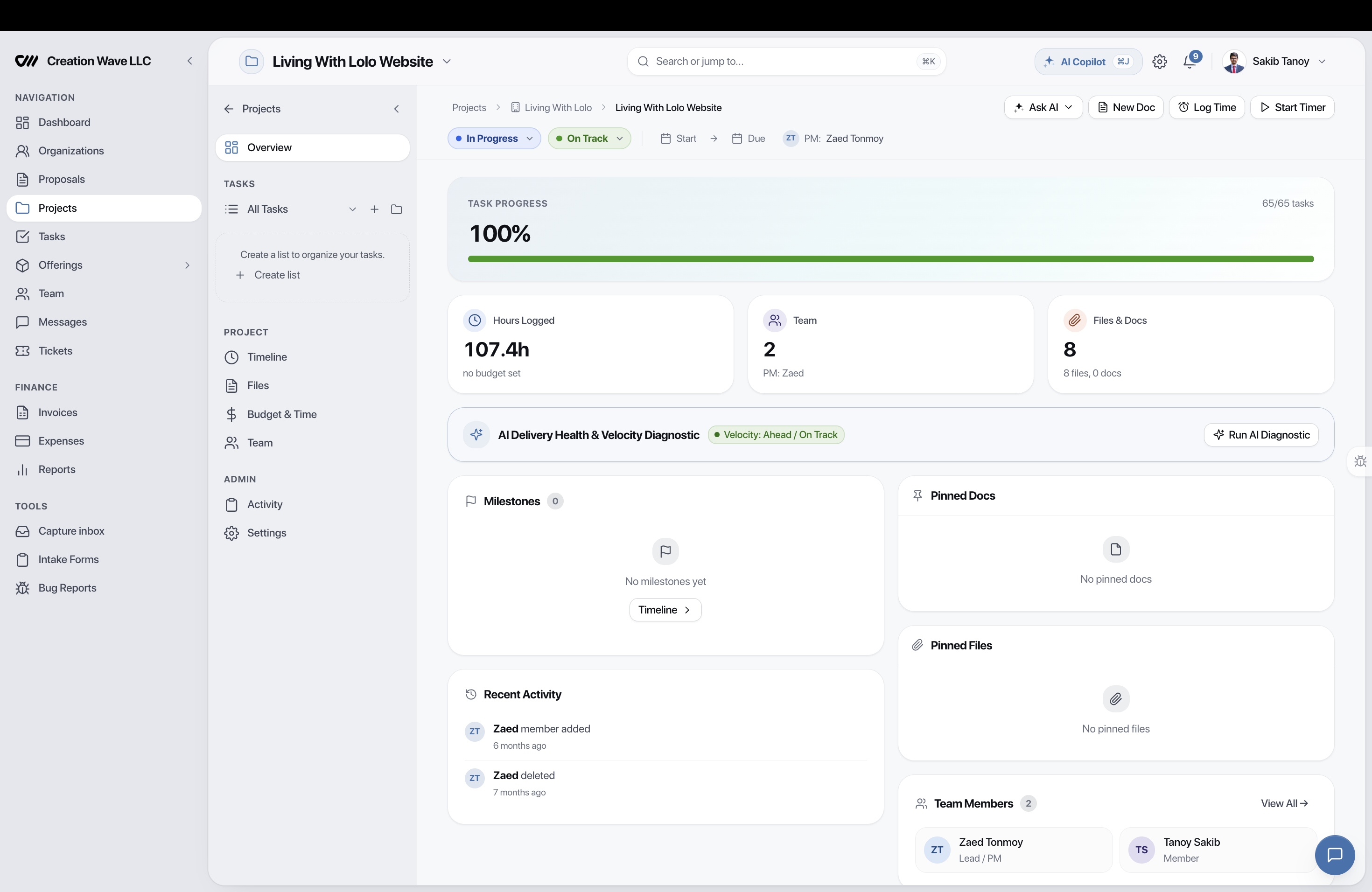
Files Organized By Project and Client
Every project has an integrated files tab. Assets uploaded to tasks, chat channels, or deliverables automatically index into the project file repository.
- Folder hierarchy with drag-and-drop organization
- Rich previews for PNG, JPG, WebP, PDF, and video formats
- File size up to 2GB per upload on Pro plans
- Tagging by deliverable stage (Draft, Review, Final)
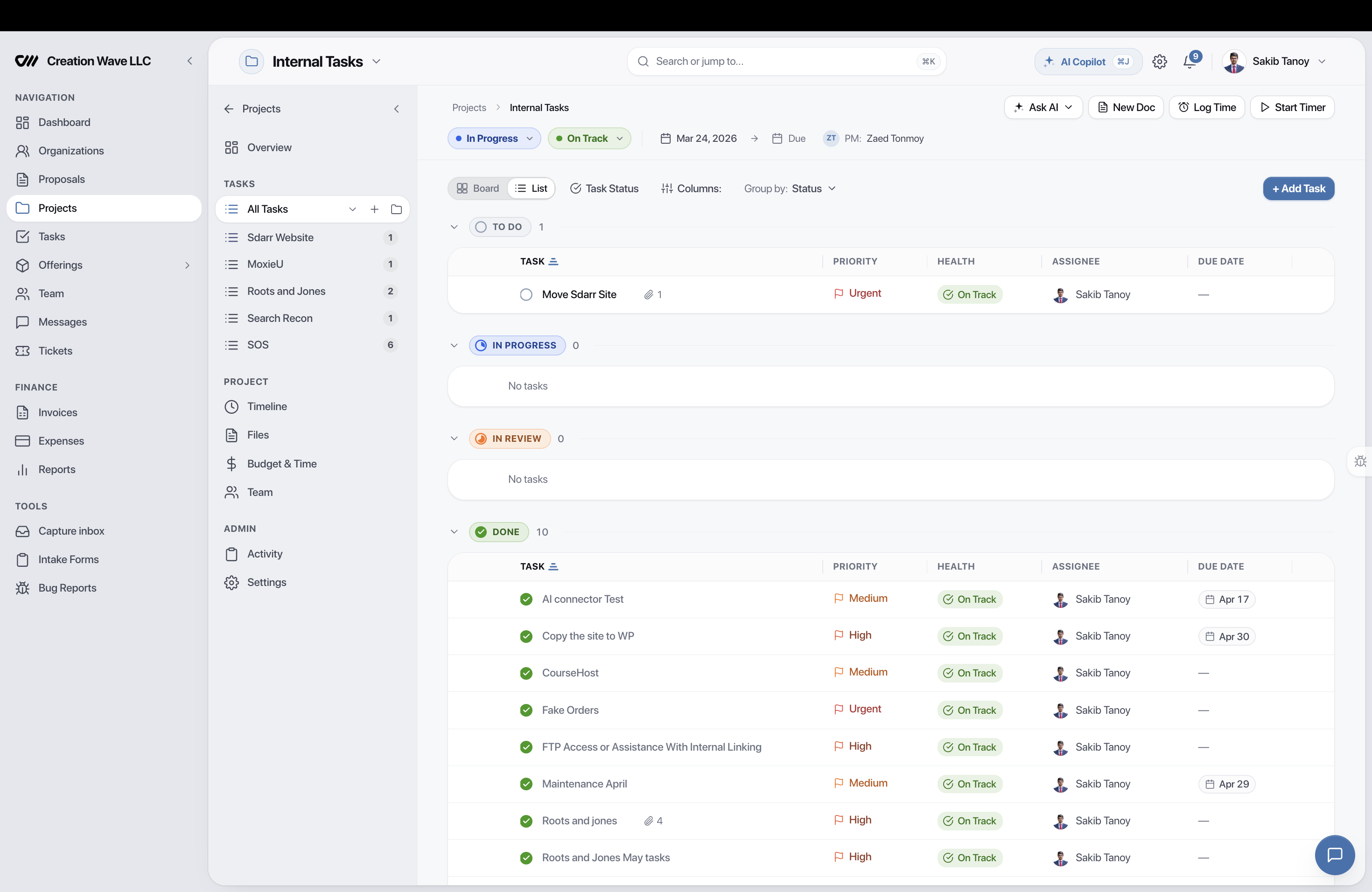
Deliver Assets via Branded Client Portal
Provide clients with clean download galleries directly inside their white-label portal. No broken Dropbox links or messy Google Drive permission requests.
- Client-visible toggle preventing accidental leaks of raw source files
- Download tracking to verify when clients retrieve deliverables
- Branded download pages with agency watermark options
- Version history preventing accidental file overwrites
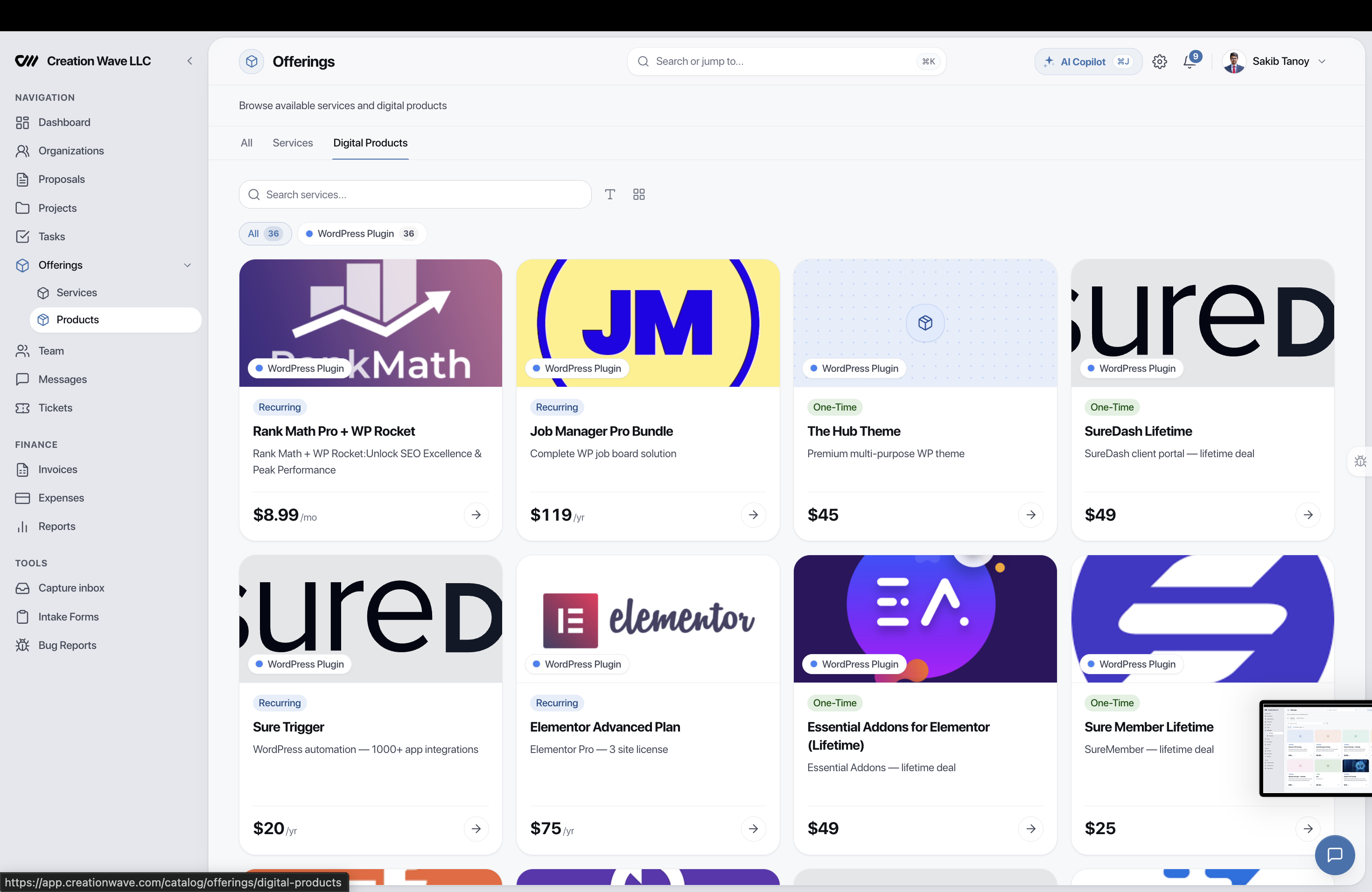
Expiring Links with Password Protection
Share large files with external partners or clients without requiring an account. Set expiration dates and optional passcodes for maximum confidentiality.
- Public secure URL generation with single-click copy
- Optional passcode protection on sensitive links
- Auto-expiration after 24 hours, 7 days, or 30 days
- Encrypted S3-compatible cloud storage architecture
Engineered for Agency Scale
Every tool is designed to work in synergy with the entire Eidoncore suite.
Folder Hierarchy
Organize raw assets, fonts, brand kits, and final deliverables.
Access Controls
Tag files as internal-only or client-visible with one click.
In-Browser Preview
Preview PDFs, high-res images, and video clips without downloading.
Version History
Roll back to previous file revisions whenever needed.
AI Asset Search
Find files by querying project context or client name.
Encrypted Storage
All assets stored with AES-256 cloud encryption at rest.
Loved by 500+ Agencies Worldwide
Here's how Eidoncore replaces the tool stack for real agencies, every single day.
“We replaced Trello, HubSpot, and QuickBooks with just Eidoncore. Having our project budgets, client CRM, and invoicing connected in one platform saved us 15+ hours every week and eliminated all context switching.”

Sarah Kim
Operations Lead, Spectra Digital
Frequently Asked Questions
Yes! Eidoncore offers a permanent Free plan with up to 2 team members, 3 clients, 5 projects, and core agency features. No credit card required.
The agency playbook, monthly.
New workflows, fresh integrations, and what we shipped — one email, no fluff.
Ready to Streamline Your Agency?
Join 500+ agencies running their entire client workflow from a single platform. Start your 14-day free PRO trial — no credit card required.